

Gaggle Safety Management for Canvas

Protect your students in their school-provided Canvas learning management system accounts with the most proactive tool in digital student safety.

GSM- 3 Column - Photos - ContentAnalysis

Content Analysis

Machine learning technology flags concerning content in students’ school-issued accounts for review and blocks potentially harmful content.

GSM- 3 Column - Photos_ExpertReview_Dashboard

Expert Review

Gaggle helps K-12 districts see the early warning signs so they can take action to protect students from harming themselves or others—before it’s too late.

GSM- 3 Column - Photos_Rapid Response

Rapid Response

In severe situations concerning student mental health or safety, district-appointed contacts are immediately notified by phone, even after standard business hours

How Does Gaggle Work?

Learn more about how Gaggle leverages technology and people to enhance K-12 student safety.

What Do We Review?

canvas.2 (1)

Canvas LMS

Canvas Tools

  • Messages
  • Files
  • Conversations
  • Courses
  • Discussions
  • Pages

Non-Native Files

  • Images
  • Links to websites
  • PDFs
  • Attachments
  • Non-native files including documents, spreadsheets, and slide presentations

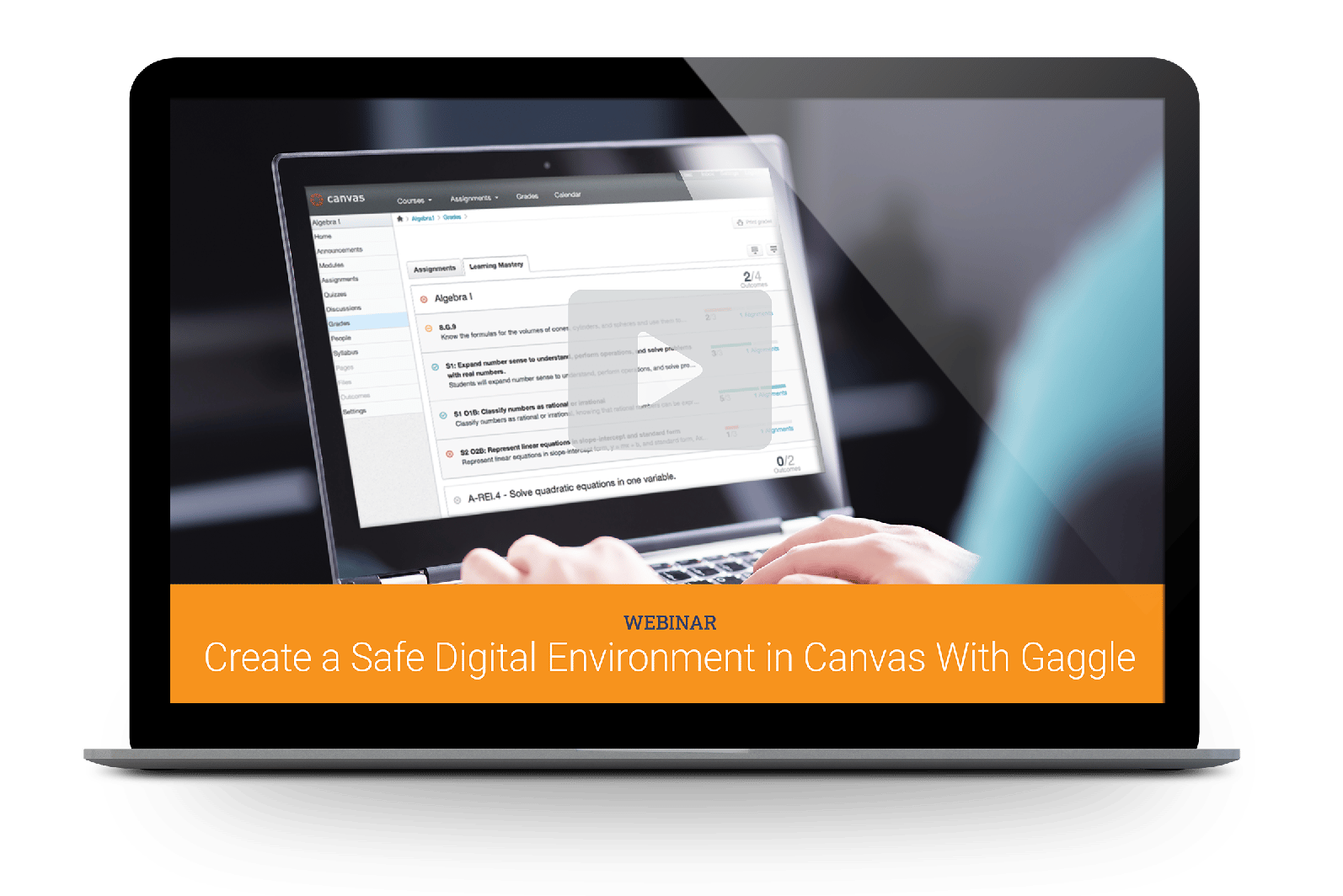
Create a Safe Digital Environment in Canvas With Gaggle


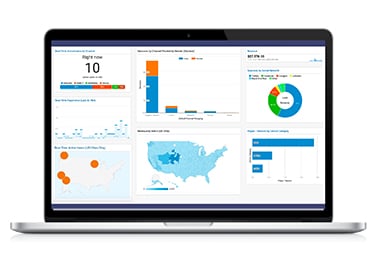
Safety management tools allow districts to create a positive school climate and increase achievement by providing insight into student behavior and alerting officials about potential risks. Watch the webinar to learn how Gaggle can provide a secure student safety net within your Canvas environment.

Watch the Webinar

Canvas_Webinar_Image

Learn How Gaggle Can Help

Contact Gaggle to learn more about partnering with us to identify and support struggling students in the Microsoft environment.